Events
Set Up the Feed Tile
Use this block to create a custom tile for your Feed. Configure it before publishing the page.
How to set it up:
1. Open Block Editor and select the layers containing the tiles in the Layers panel.
2. In the Feed settings, select your Feed in the Source field.
3. Select an element you want to connect to the Feed content. In the element settings, choose the corresponding Feed field. Repeat for all required elements.

For detailed instructions, see the Help Center.
Versatile Spaces Designed
Everything that you dreamed of can be brought to life exactly at the moment when you decide to win.
Visual Archive

Independent Architecture Studio

Visual Archive

Let's Make Your Space Feel Right

We design interiors that hold meaning, not just furniture.

Start a Project
Project by John Smith
Photo by Jane Smith

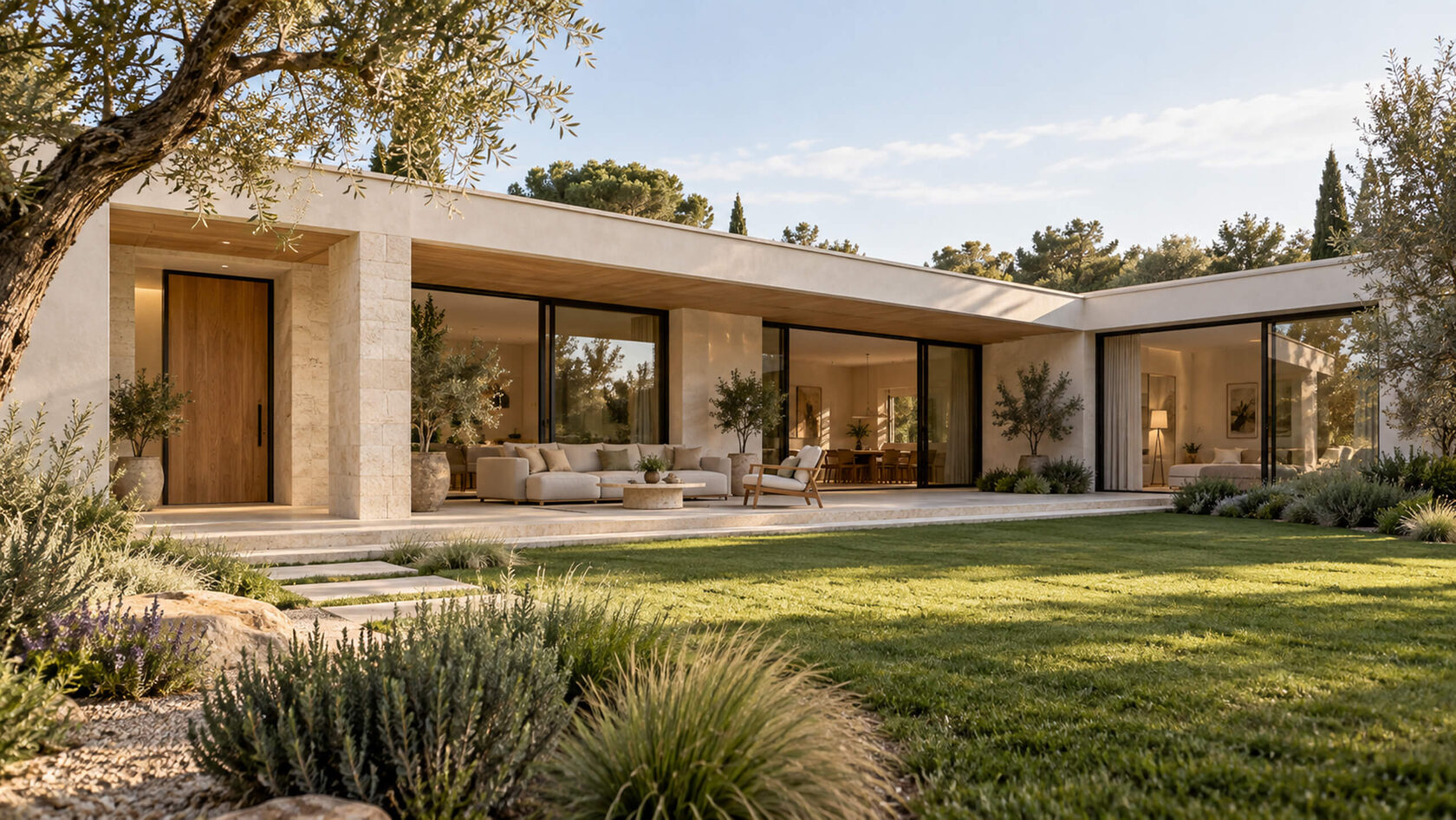
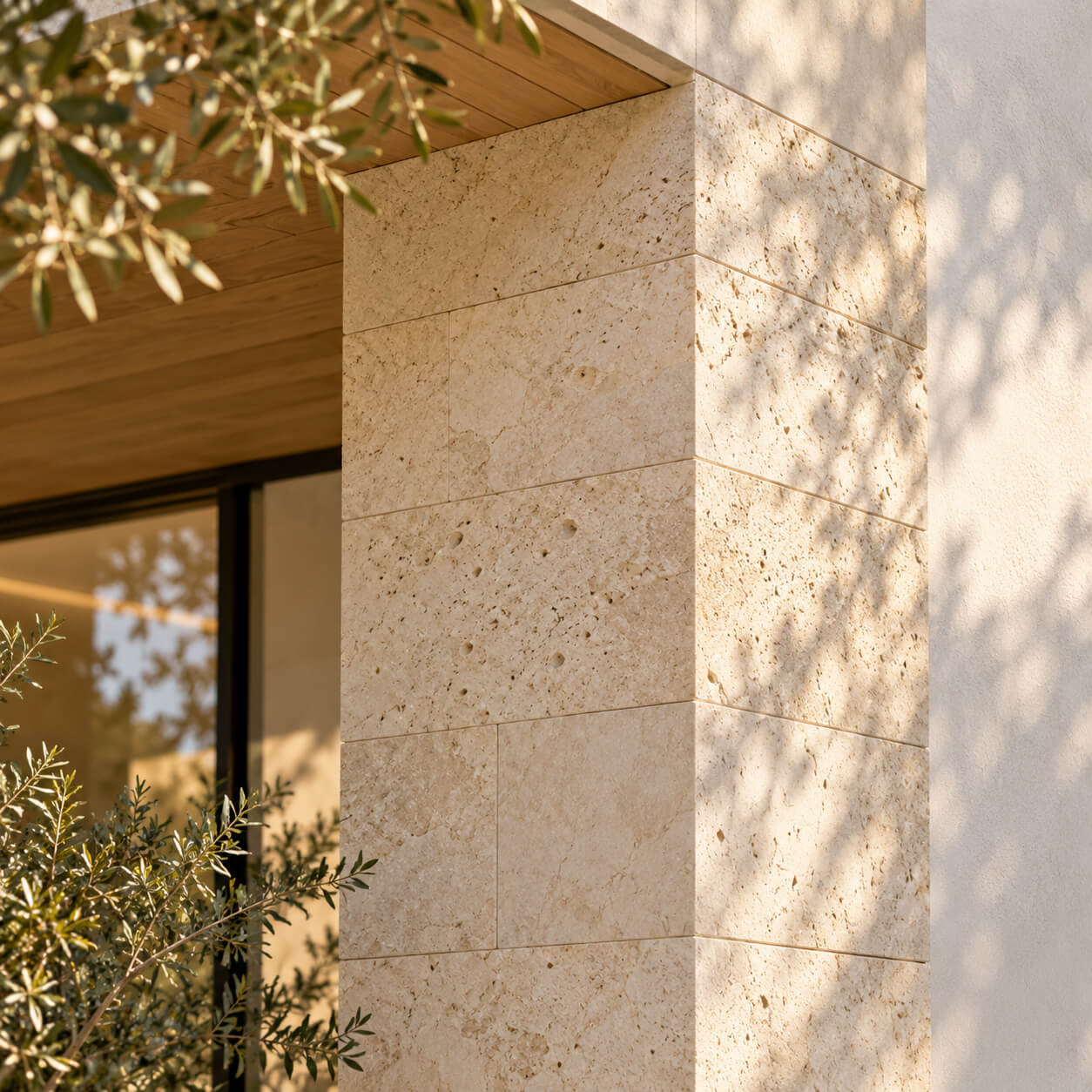
Pale limestone gives the facade a quiet, tactile character.

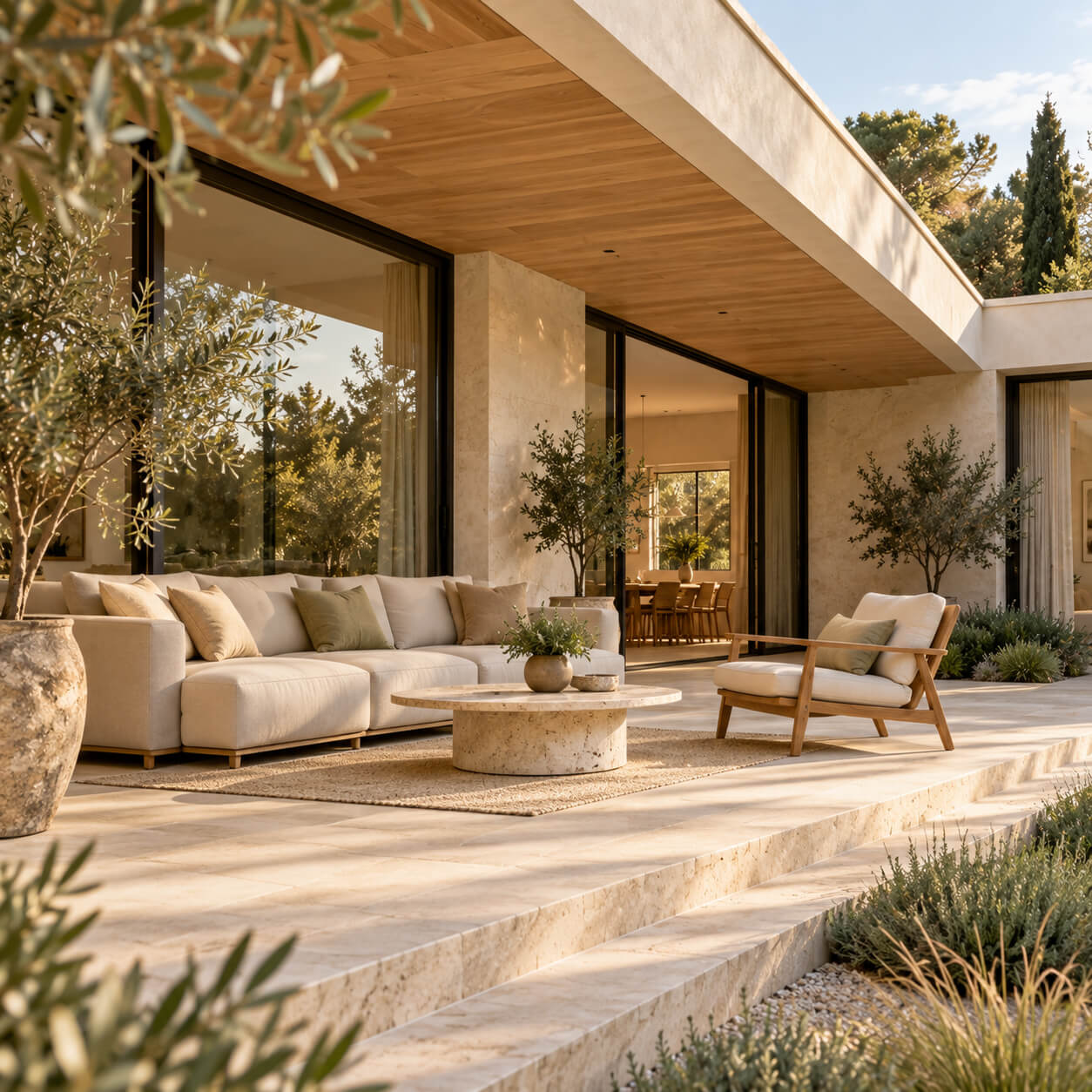
A sheltered lounge extends the living space outdoors.
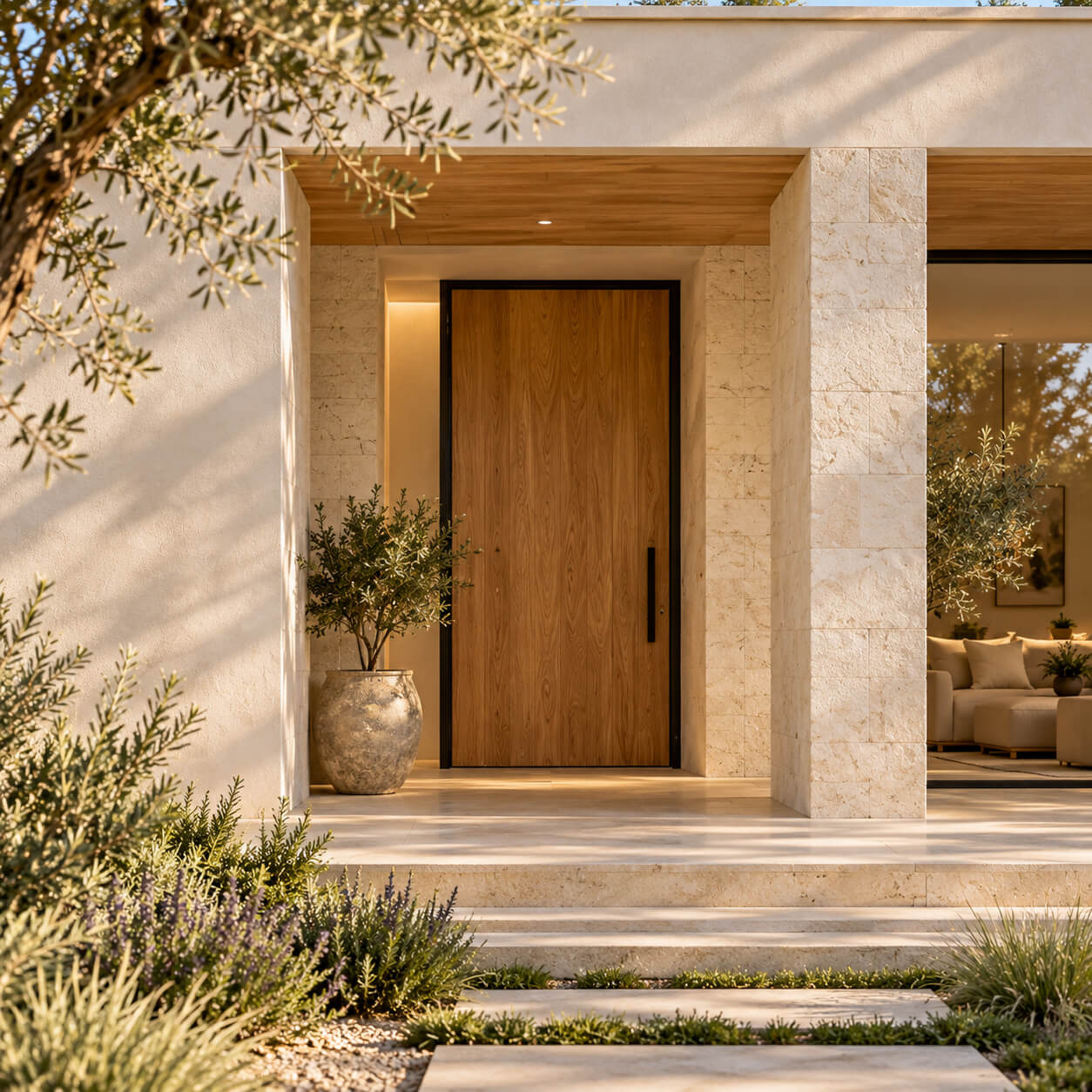
An oak door sits within a recessed stone portal.
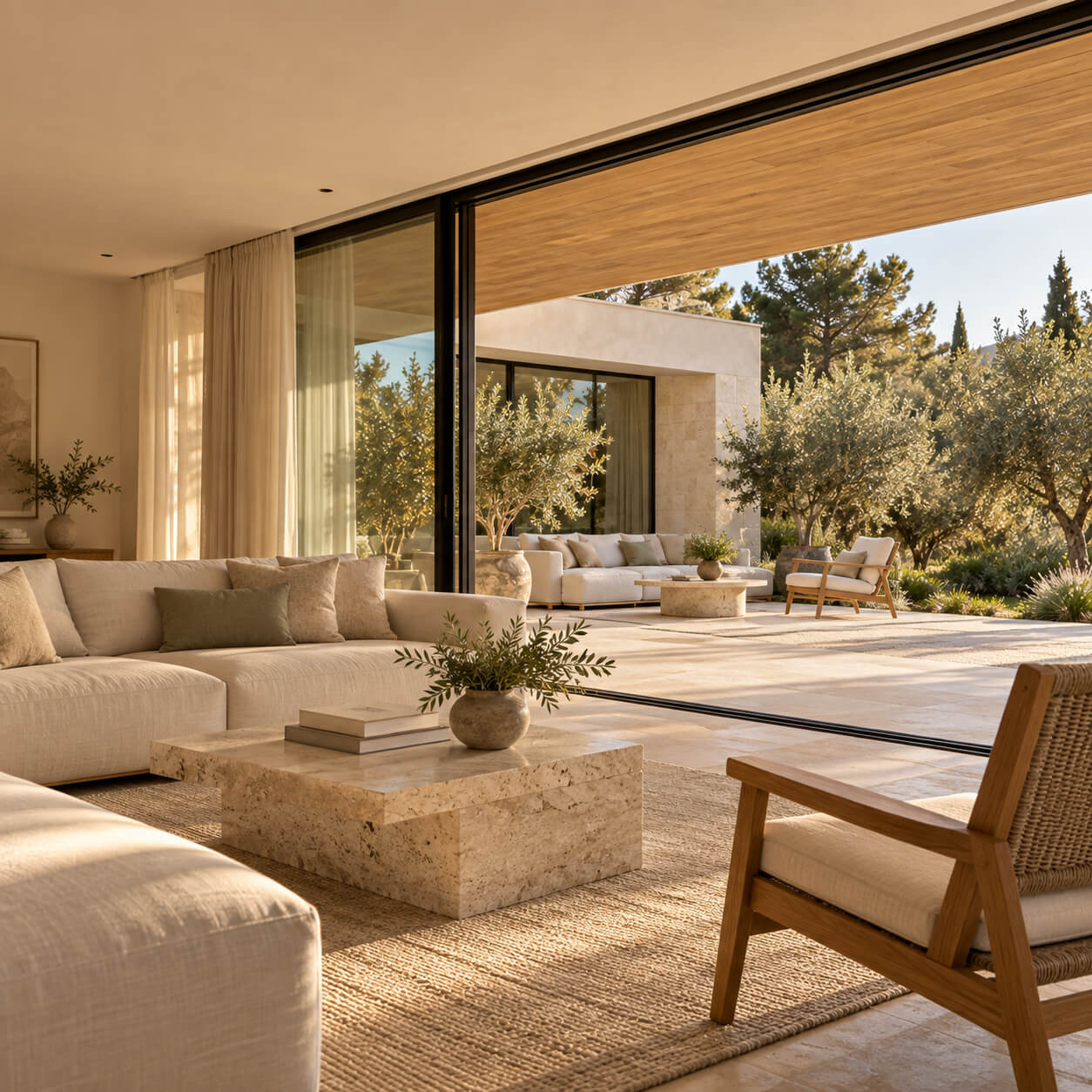
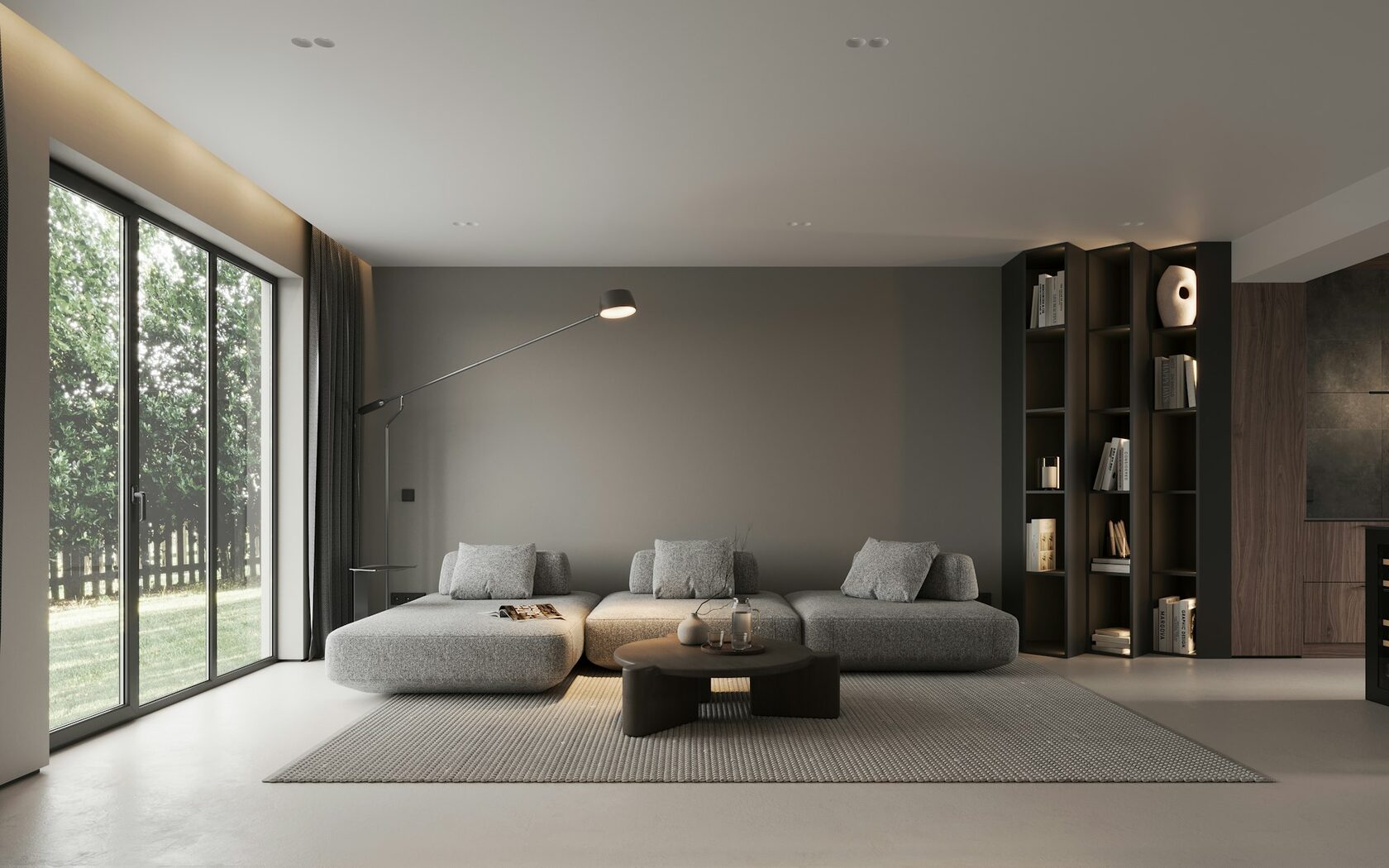
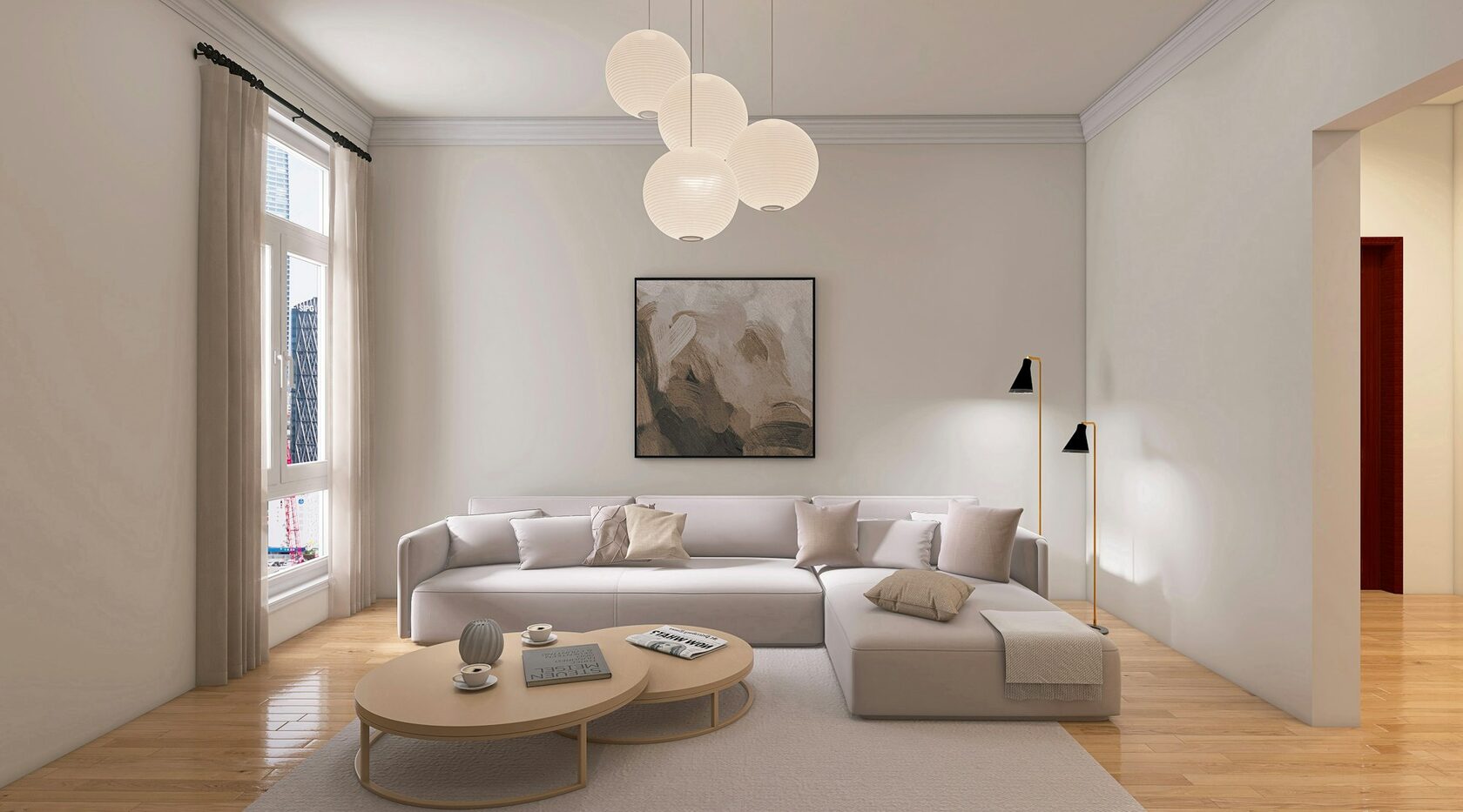
Full-height glazing opens the living room to the garden.
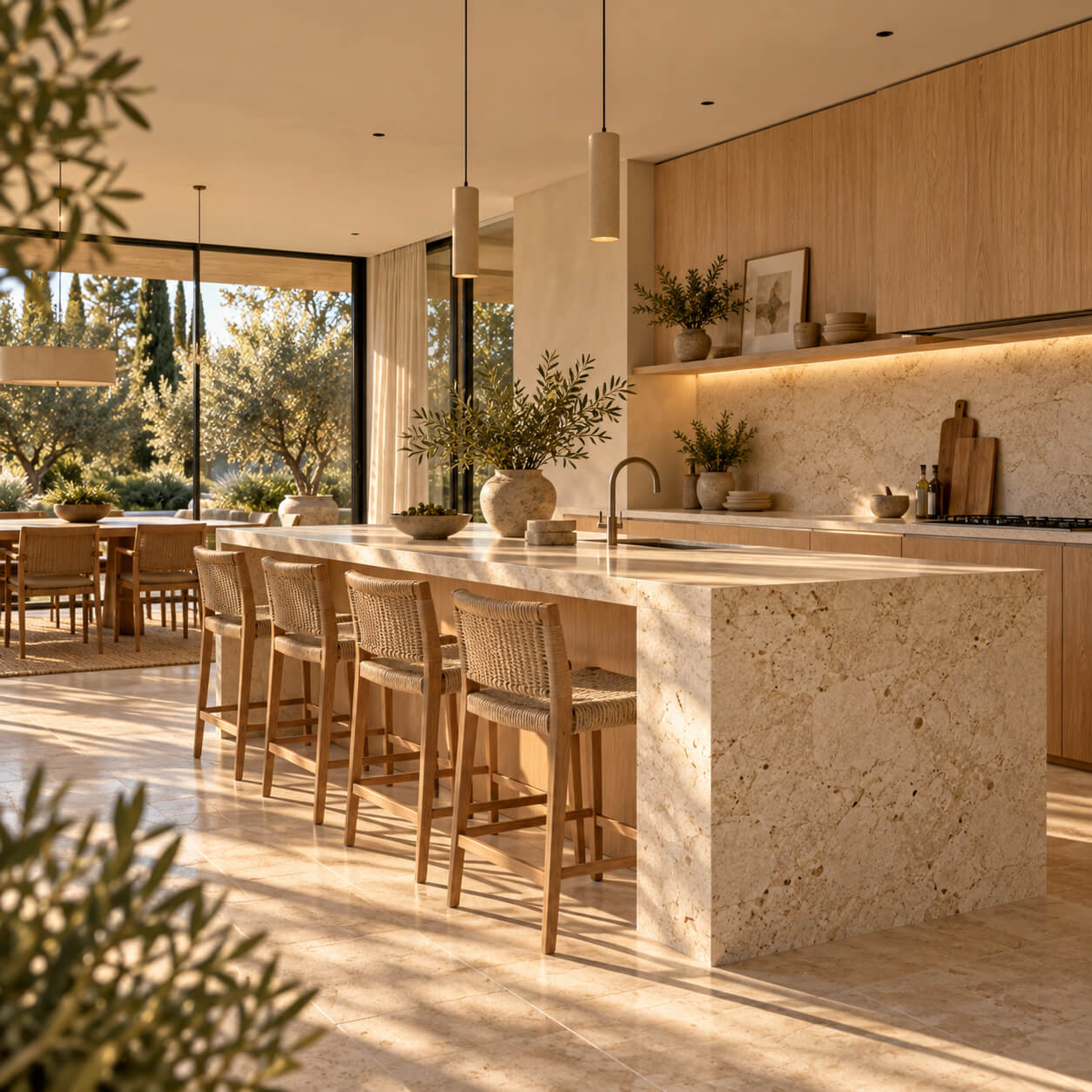
Natural stone island anchors the warm open kitchen.
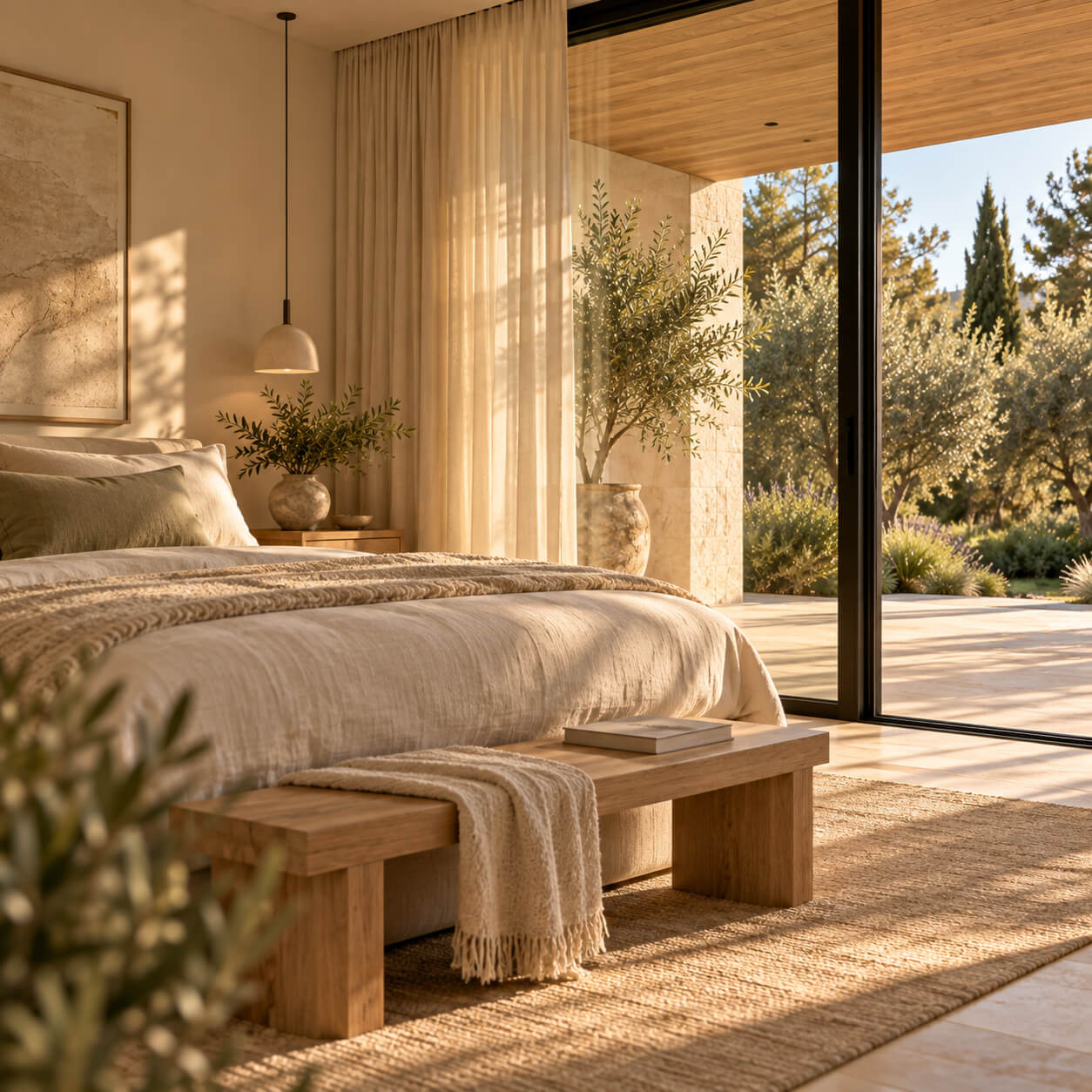
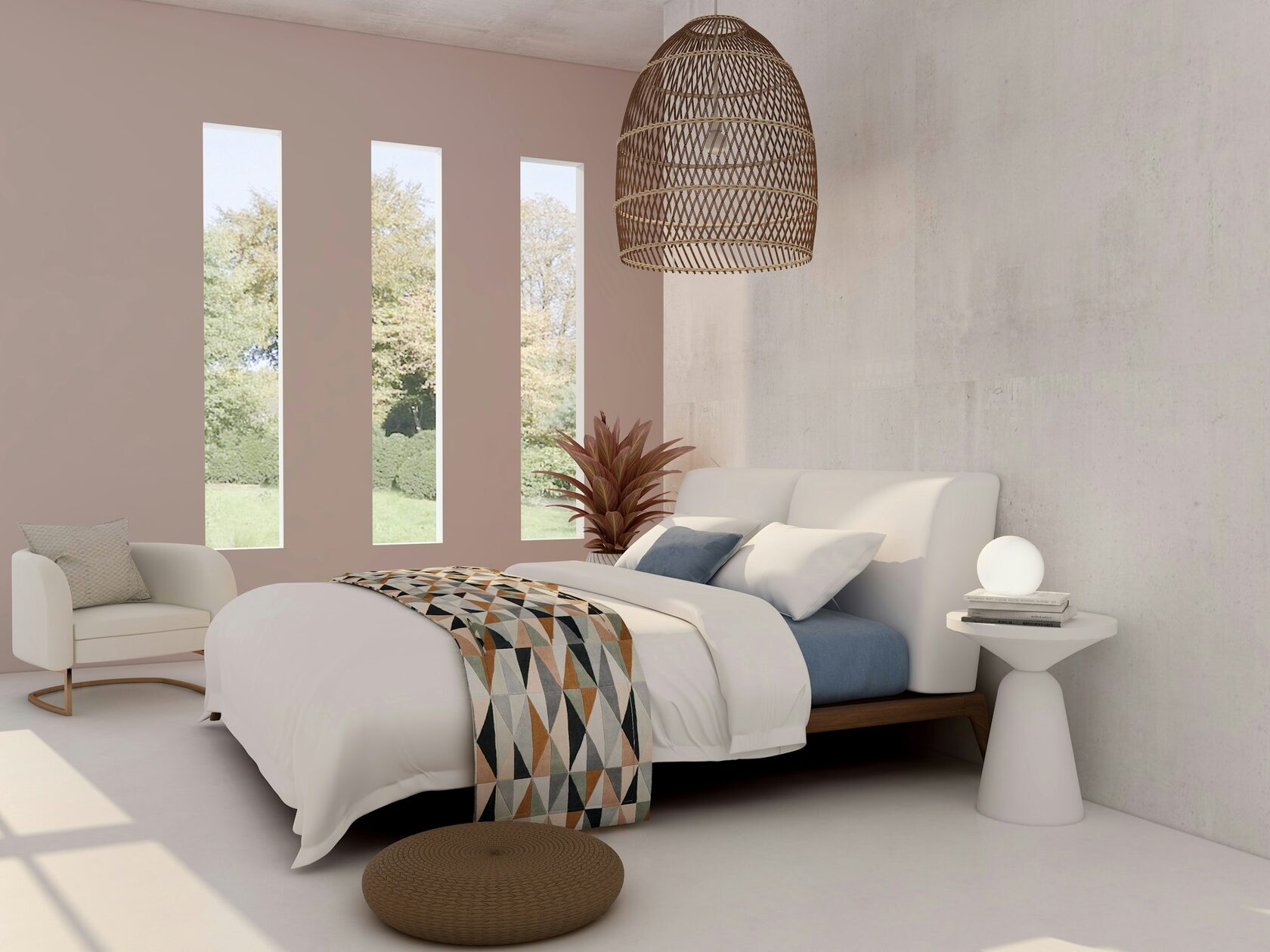
Soft linen textures frame peaceful garden views.
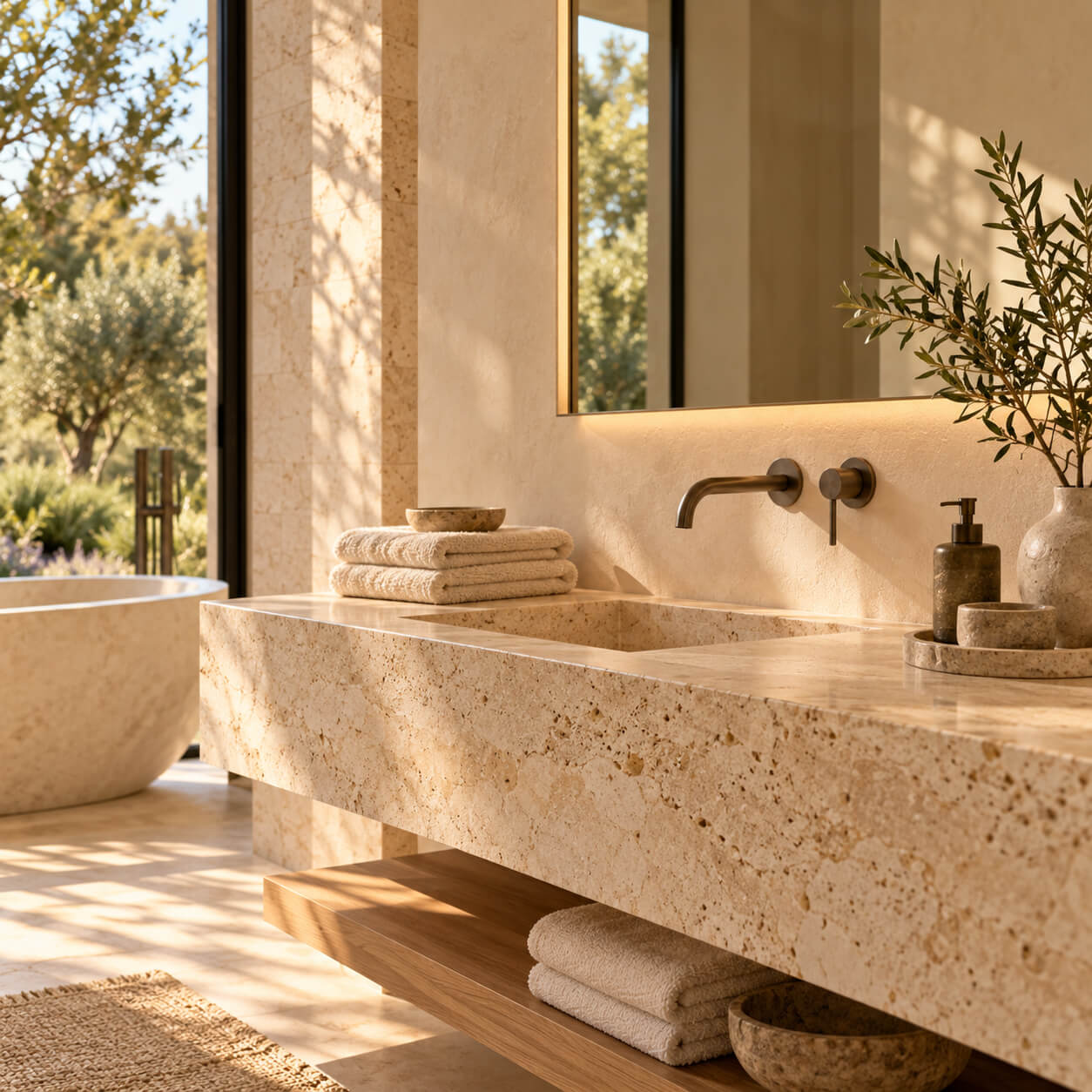
Travertine surfaces create a calm spa-like retreat.
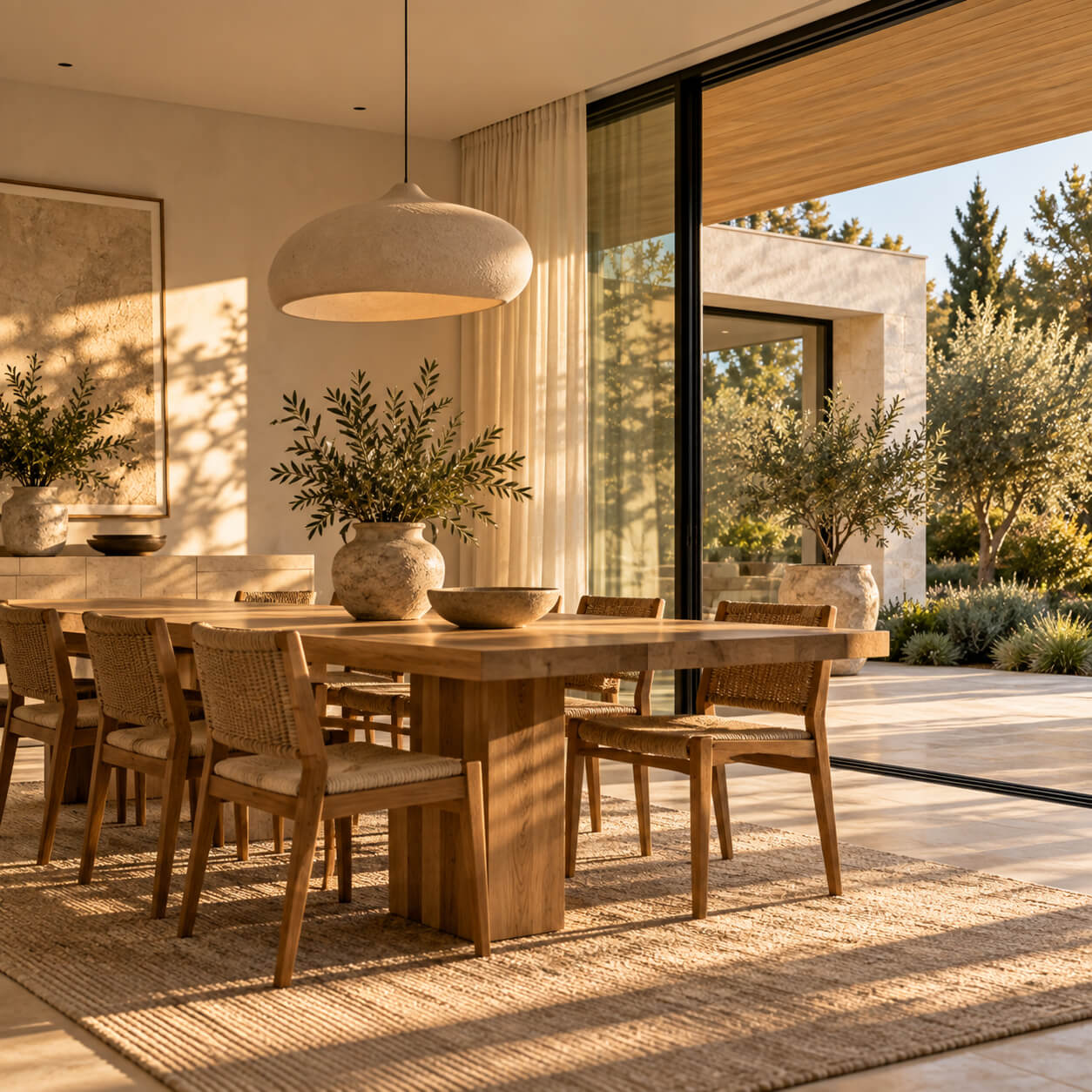
Sculptural lighting complements warm wood and natural textures.


Made on
Tilda